

Build Your Rollout BOM for Multi-Site Storage Deployment
Standardize unit sizes, options, and accessories once so every site receives the same spec across the United States, Canada, and Puerto Rico. Define the rollout kit first, then convert it into multi-site pricing.
Why Multi-Site Deployment Needs Structure
Multi-site rollouts rarely break down because someone chose the wrong container.
They break down when the spec is scattered across emails, site notes, and regional workarounds—different sizes, different locks, different accessories, and slightly different versions from one location to the next.
A rollout BOM fixes that.
It creates one standardized reference for the units, options, and accessories your teams are deploying so procurement, operations, and field teams can repeat the same rollout model site after site.
A rollout BOM helps standardize:
- unit sizes
- lock and access choices
- accessory bundles
- finish selections
- repeatable deployment across locations
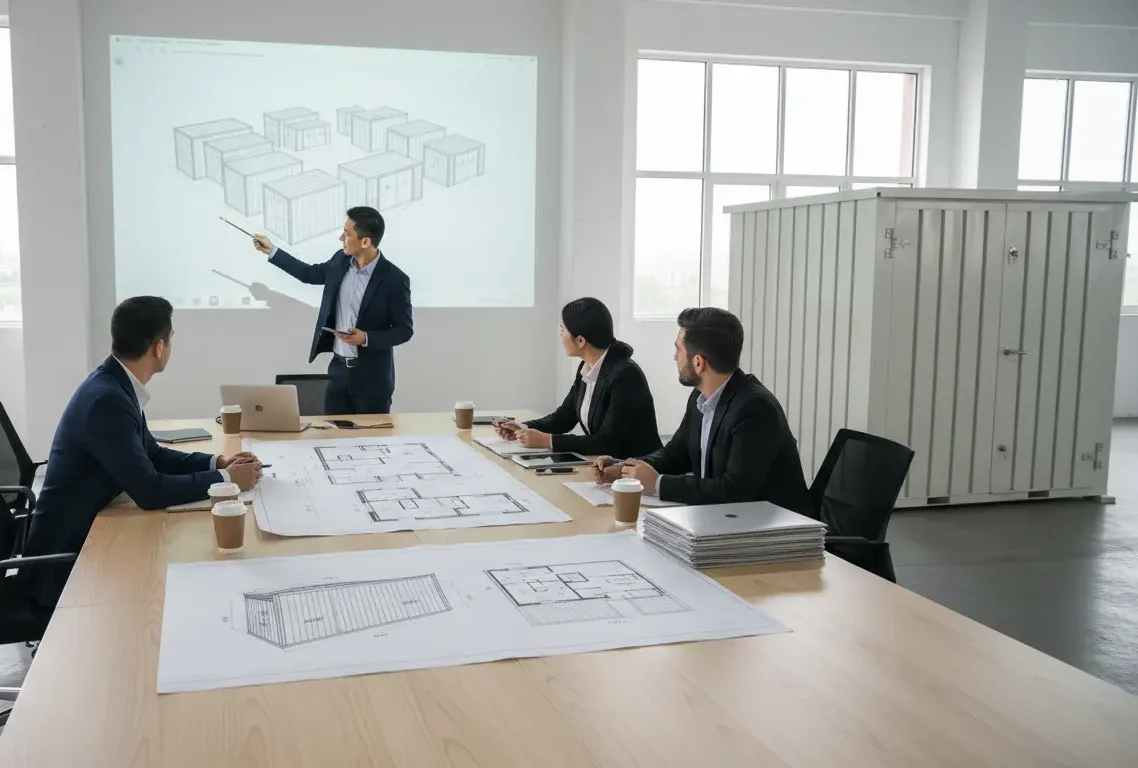
What “Container BOM” Means for Your Rollout
A container BOM is your standardized rollout kit: the exact unit sizes, options, and accessories you’ll deploy captured once so every site receives the same spec.
Your rollout kit definition (what ships to each site)
Your standardized choices: sizes, doors, locks, floors, insulation/anti-condensation, banking, and accessory bundles (shelving, pipe racks, etc.)
A clean output your teams can share internally and reorder consistently
What you’ll get after you submit
Once you submit the form below, you’ll receive:
An itemized Rollout BOM (units + accessories)
A recommended size mix based on your use case and constraints
A Program Spec summary (your standards captured once)
A delivery window plan (manufacturing + shipping ranges) aligned to your rollout timing
A next-step path to multi-site pricing (if you want pricing after the BOM is locked)
Build Your Rollout BOM
Standard Options (Set Once, Repeat Everywhere)
Color Standard / RAL
(text)
Door Orientation
End, Side, Mixed/Unsure
Lock Standard
Standard, Upgraded, Unsure
Flooring
Standard, Diamond Plate, Mixed/Unsure
Climate Options
Insulation, Anti-condensation, None/Unsure
Banking / Linking Needed?
Yes, No, Unsure
Accessories Define How Capacity Is Used
- Shelving: Add internal organization for inventory, parts, or supplies
- Pipe Racks: Support long or irregular materials with structured storage
- Additional Accessories / Notes: Capture any non-standard requirements for your rollout
Site Constraints That Impact Delivery
- Receiving Conditions: Tight delivery windows, limited staging space, after-hours access, forklift availability
- Site Notes: Include any conditions that affect placement, access, or offloading
Add Site References (Optional)
Upload site photos, layouts, or standards to align configurations with real-world conditions.
Review & Submit Your Rollout BOM
- Consent checkbox:
I agree to be contacted regarding this request. - Submit button:
Build My Rollout BOM - Microcopy under button:
You’ll receive an itemized rollout BOM, delivery timing guidance (4–6 week build + 4–6 week ship), and next steps for multi-site pricing.
What Happens After You Submit
After you submit, your rollout moves from inputs to a structured, repeatable deployment plan.
1. Standardize Your Rollout Kit
Your inputs are organized into a repeatable rollout template used across all sites.
2. Confirm Your Program Spec
Unit sizes, options, and accessories are finalized into a consistent deployment standard.
3. Align Delivery to Your Rollout
Delivery timing is mapped to your regions and schedule (4–6 week build + 4–6 week ship).
4. Convert to Multi-Site Pricing
Your rollout kit is translated into clear, reorderable multi-site pricing.
Container BOM FAQs
Is this the same as “Request Multi-Site Pricing”?
Not exactly.
Build Your Rollout BOM = define the kit (sizes, options, accessories, quantities).
Request Multi-Site Pricing = price the kit across multiple locations.
Do you provide BOM software?
No. This is a practical bill of material form for your Flat Box rollout kit.
Do you provide POS/payment devices or kiosk technology?
No. Flatbox provides the kiosk/booth structure and container accessories. Your team supplies and manages any devices.